Screenshots
File Comparison
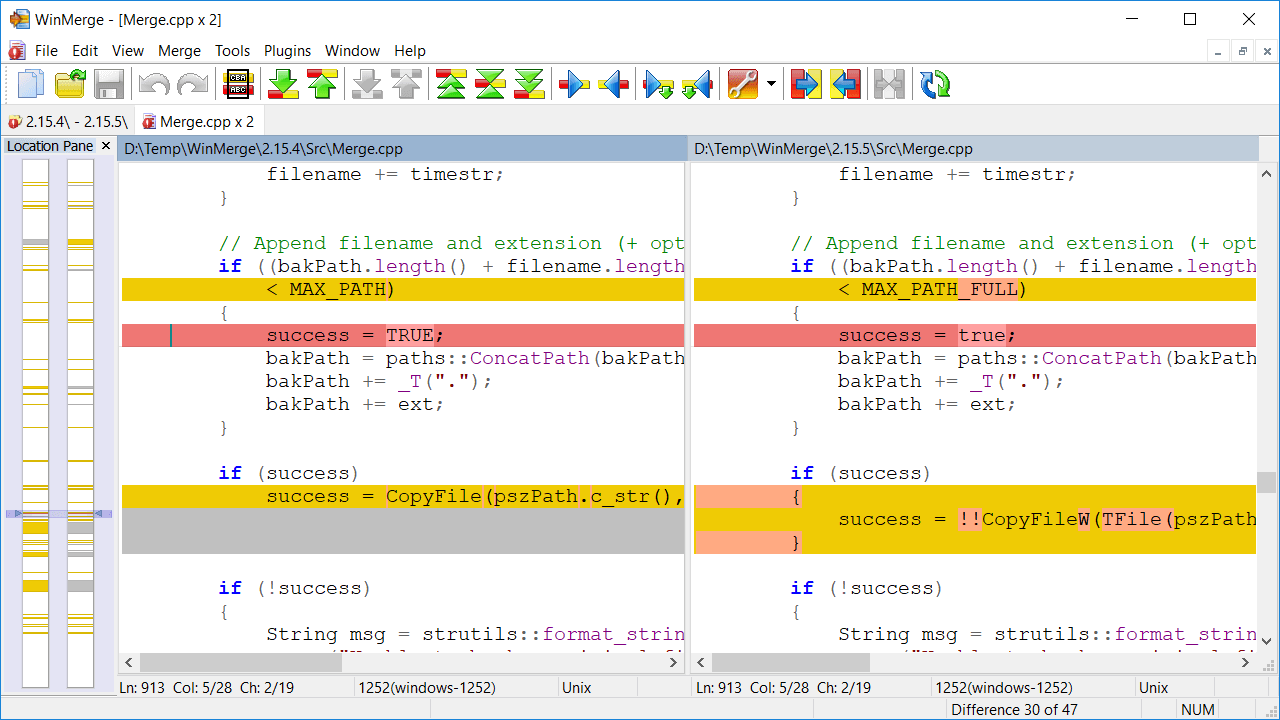
File compare window is basically two files opened to editor into two horizontal panes. Editing allows user to easily do small changes without need to open files to other editor or development environment.
3-way File Comparison
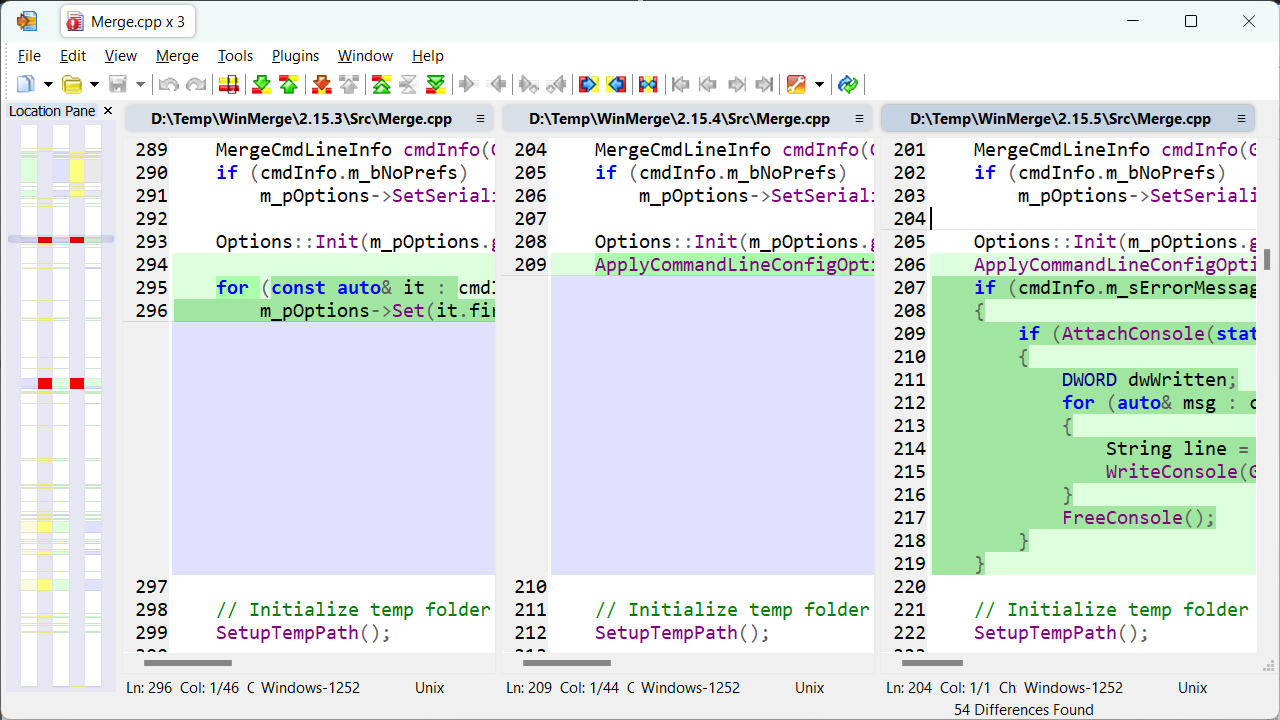
The 3-way file compare even allows comparing and editing three files at the same time.
Folder Comparison Results
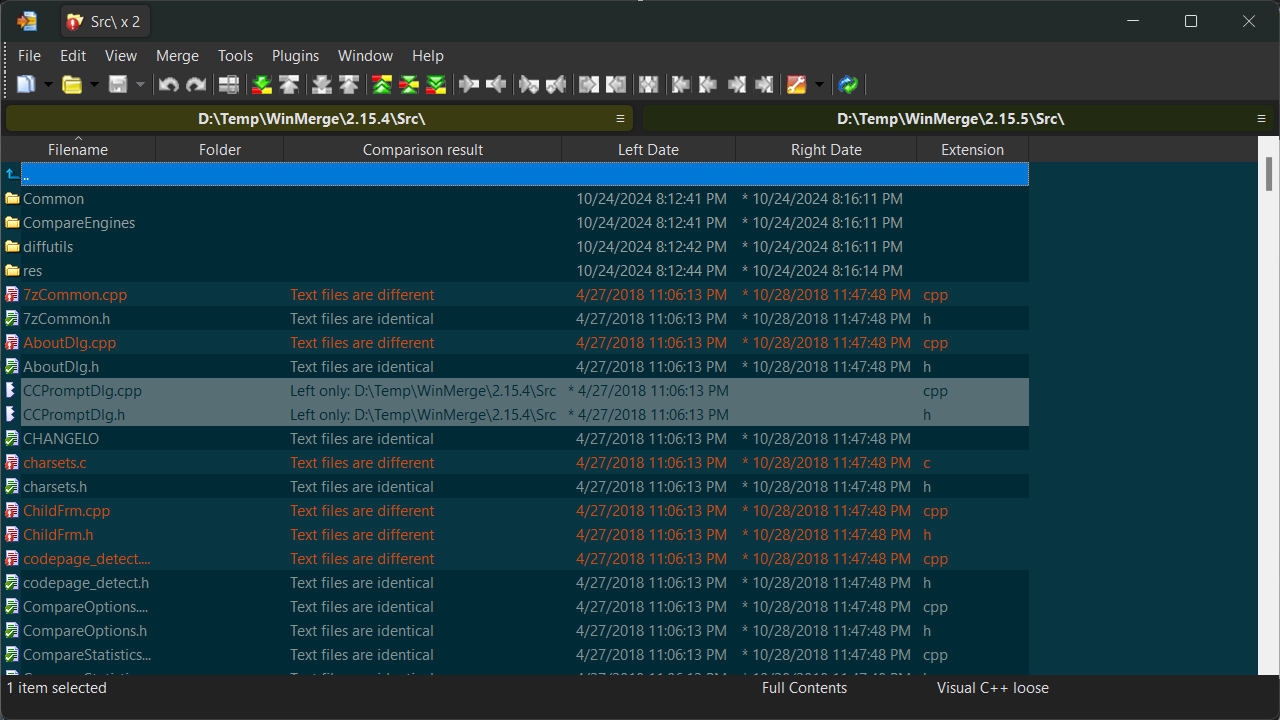
Folder compare shows all files and subfolders found from compared folders as list. Folder compare allows synchronising folders by copying and deleting files and subfolders. Folder compare view can be versatile customised.
Folder Compare Tree View
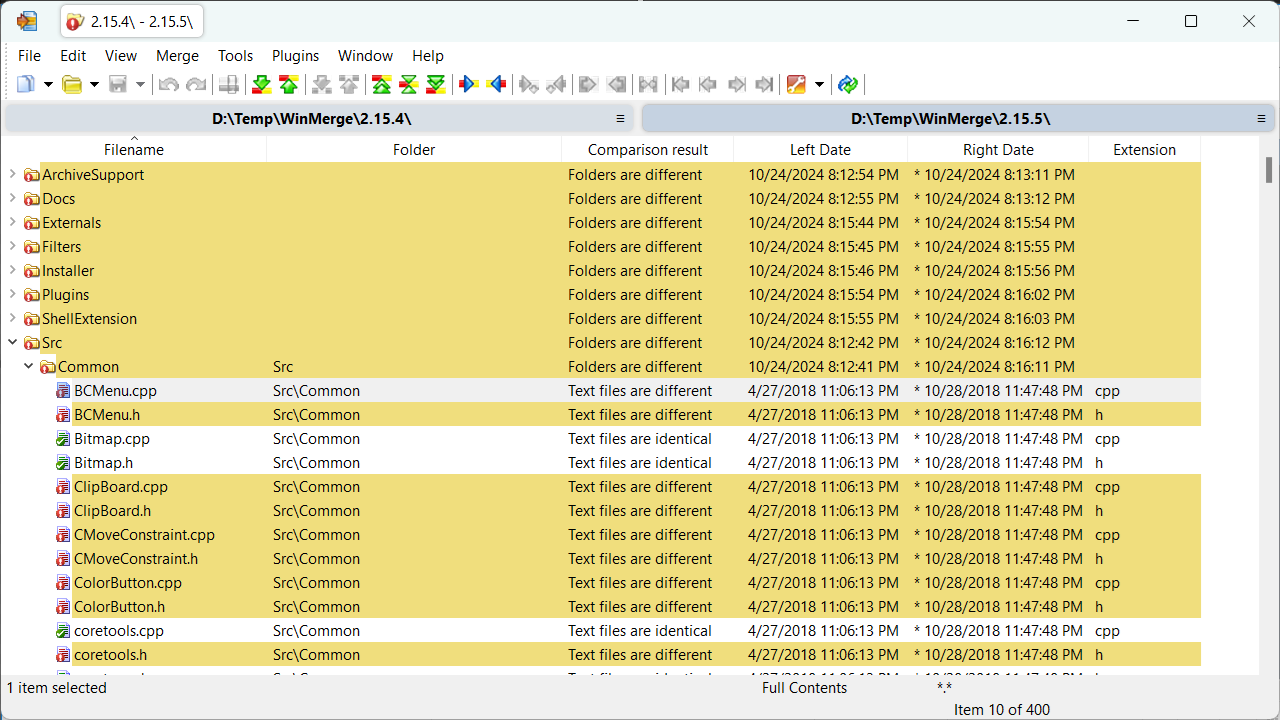
In the tree view, folders are expandable and collapsible, containing files and subfolders. This is useful for an easier navigation in deeply nested directory structures. The tree view is available only in recursive compares.
Image Comparison
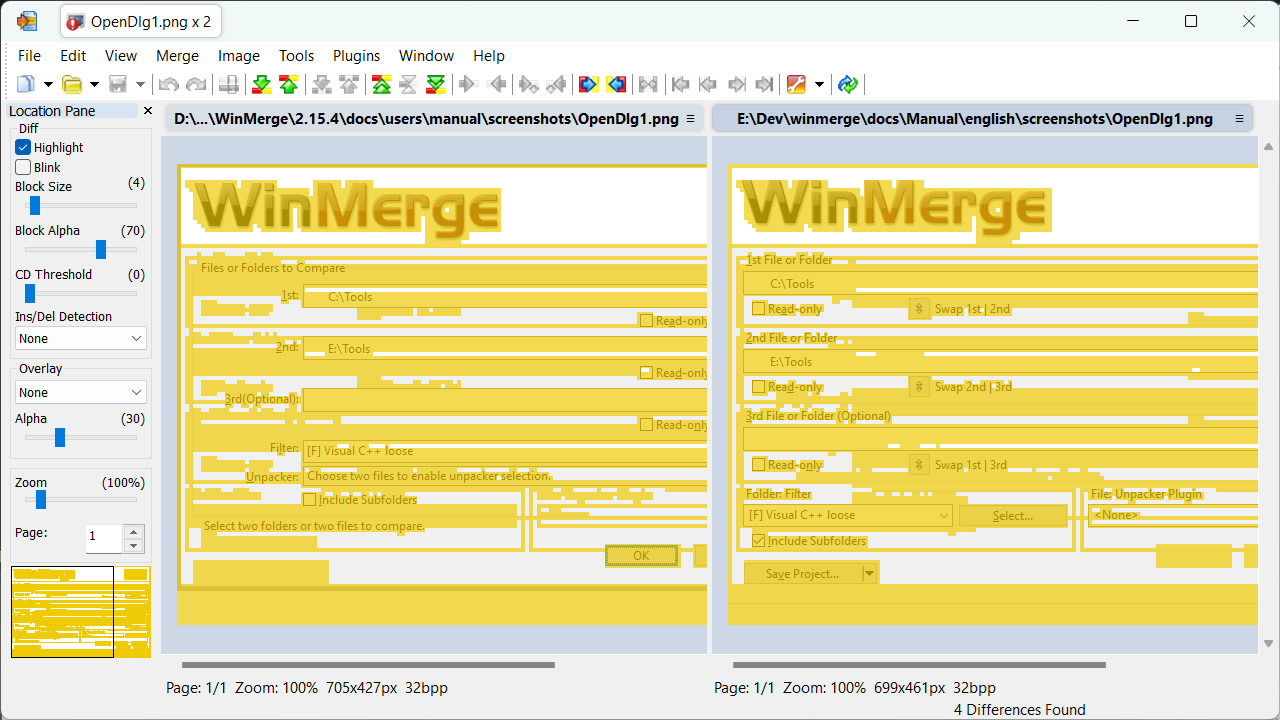
WinMerge can compare images and highlight the differences in several ways.
Table Comparison
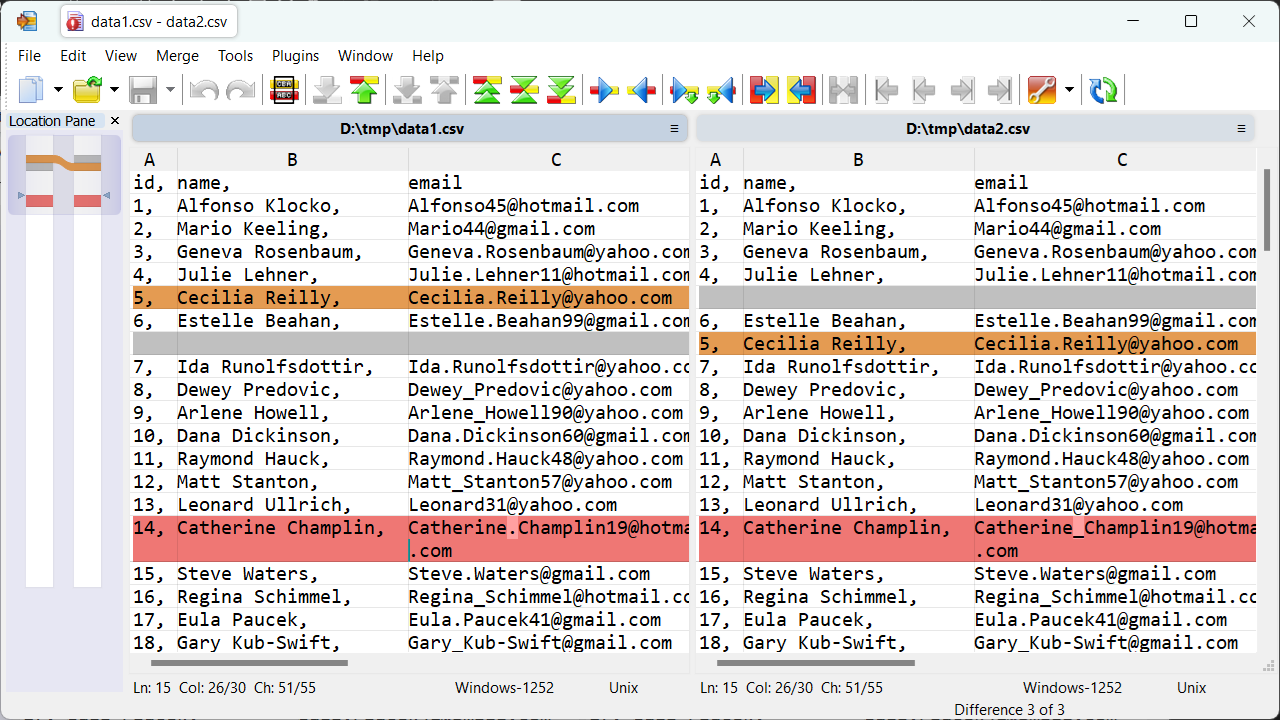
Table compare shows the contents of CSV/TSV files in table format.
Binary Comparison
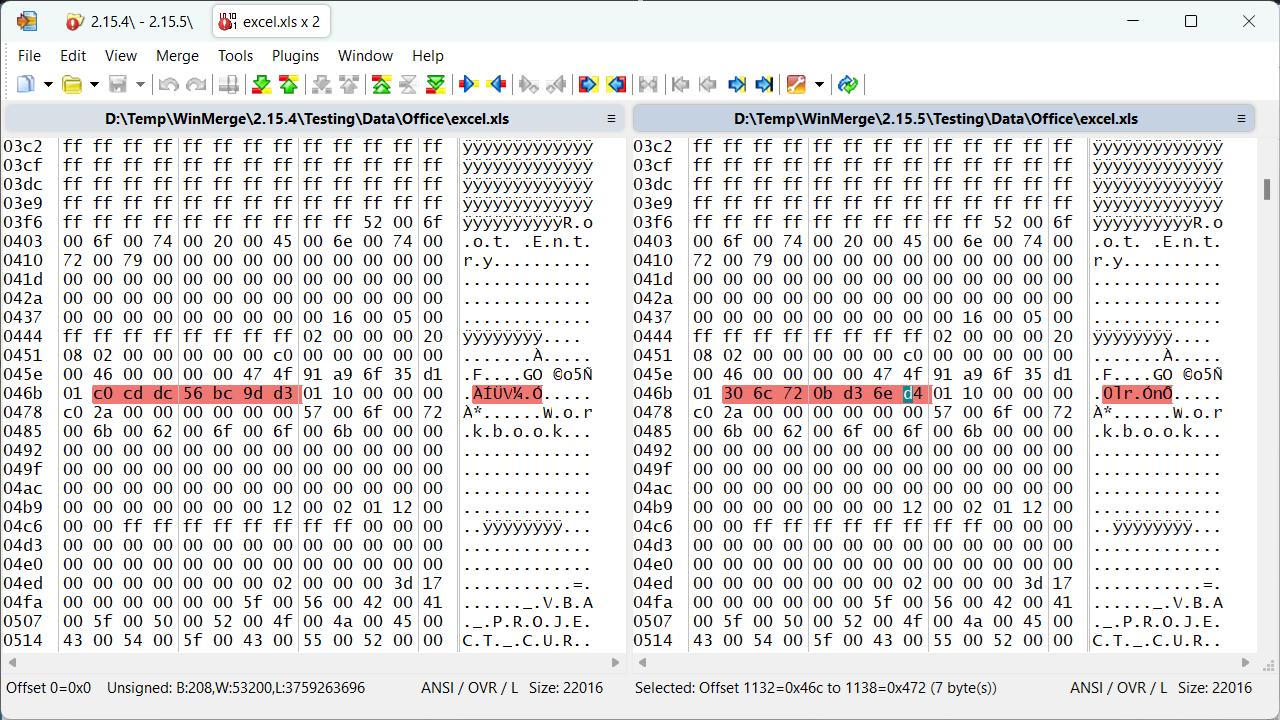
WinMerge can detect whether files are in text or binary format. When you launch a file compare operation on binary files, WinMerge opens each file in the binary file editor.
Open-dialog
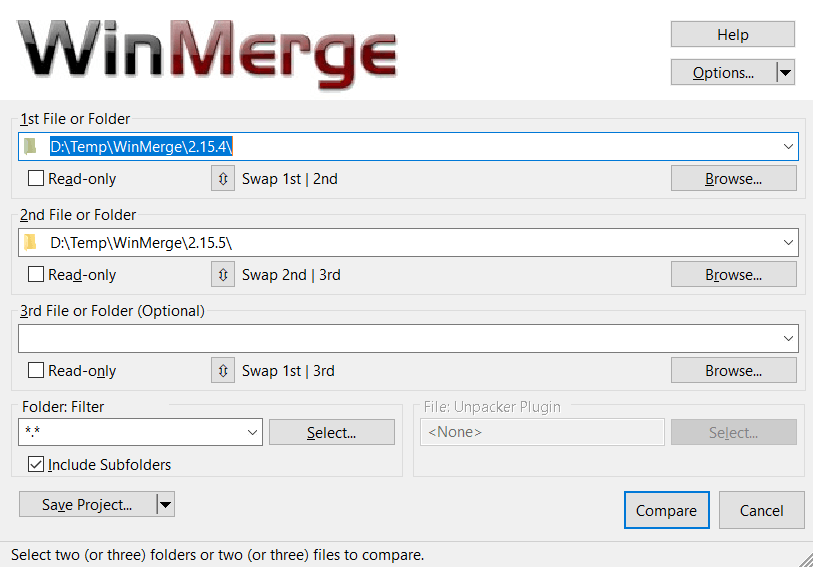
WinMerge allows selecting/opening paths in several ways. Using the Open-dialog is just one of them.